Private by design
Faces are analyzed in your browser, on your computer. Your video frames are never sent to a server to be analyzed.
The AI Director watches every camera, reads who is looking at the lens, the talking gesture and where heads turn, and cuts to the best shot at the pace of your show. Hands free, right in your browser.
How it decides
Several times a second, each camera gets a score from what its face shows. When another camera clearly leads, and the current shot has run long enough for your show, it cuts.
Iris and face landmarks tell who is looking at the lens, the strongest signal of who the show is about right now.
The talking gesture is read from the face, not the microphone, so one shared studio mic never confuses which camera is speaking.
Where heads turn, in 3D. A guest turning to answer the host is a cue to cut.
A real session · Two cameras
A real session, not a simulation: the host switches between his webcam and his phone, and the AI Director cuts on its own. The mesh and the scores are what MediaPipe Face Landmarker, the model the AI Director runs, measures frame by frame on each camera's full frame.
Reads every camera slot
Each connected camera is analyzed at its full resolution, several times a second.
Sees who looks at the lens
The face mesh, the iris and the head axes give each camera its score.
Notices the turn
When the host looks away, that camera's gaze and head scores drop.
Cuts to the right camera
The camera the host now looks at wins and goes to Program.
Measuring CAM 1
Pacing
A calm podcast and a fast gaming stream should not cut the same way. Pick a show type and the AI Director tunes how long it holds a shot, how sure it must be and how much each signal counts.
4 s
Shortest time between cuts
Calm, stable switching for seated conversations.
The most it could cut in 20 seconds
Auto-TuneNot sure which one fits? Auto-Tune recognizes the kind of show and adapts the timing as you stream.
It runs the switching so you can run the show, and it never gets in your way.
Faces are analyzed in your browser, on your computer. Your video frames are never sent to a server to be analyzed.
Machine learning that recognizes podcasts, interviews, panels and action, and adapts timing and weights as you stream.
Inputs with camera layers become presets that the AI skips, so a composed wide shot is only used when you choose it.
Turn it on or off with one click or a MIDI button. While it runs, keyboard shortcuts pause so nothing fights for the switcher.
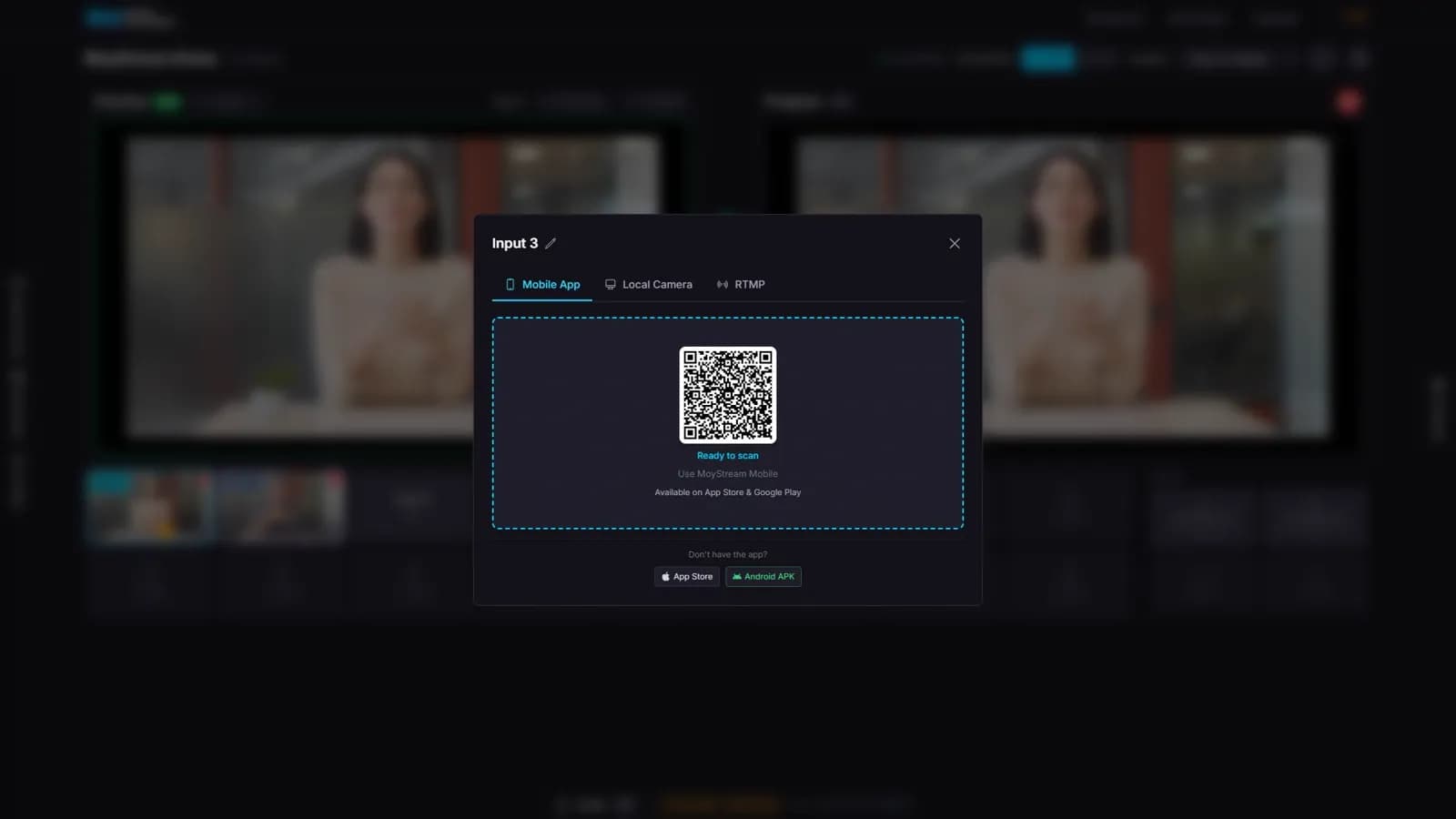
It analyzes local webcams and WebRTC cameras: your phone connected by QR code and remote guests.
Analysis runs in parallel background workers, from 1 to 8 depending on your plan, so more cameras stay responsive.
No. It reads faces only: gaze, head pose and the talking gesture. One studio microphone can serve many cameras, so audio cannot tell which camera is speaking.
No. The analysis runs in your browser, on your computer. Only the detection model is downloaded.
At least two active inputs. Inputs with camera layers are kept as manual presets and are not counted.
Plans with two or more inputs, starting with Beginning. Higher plans run more analysis workers in parallel.
Yes. Turn it off with one click or a MIDI button and switch by hand. Turn it back on whenever you want.
A modern browser. On lighter hardware, lower the analysis resolution or frame rate in the Advanced panel.
Connect two cameras, turn on the AI Director and focus on your show.
Start free