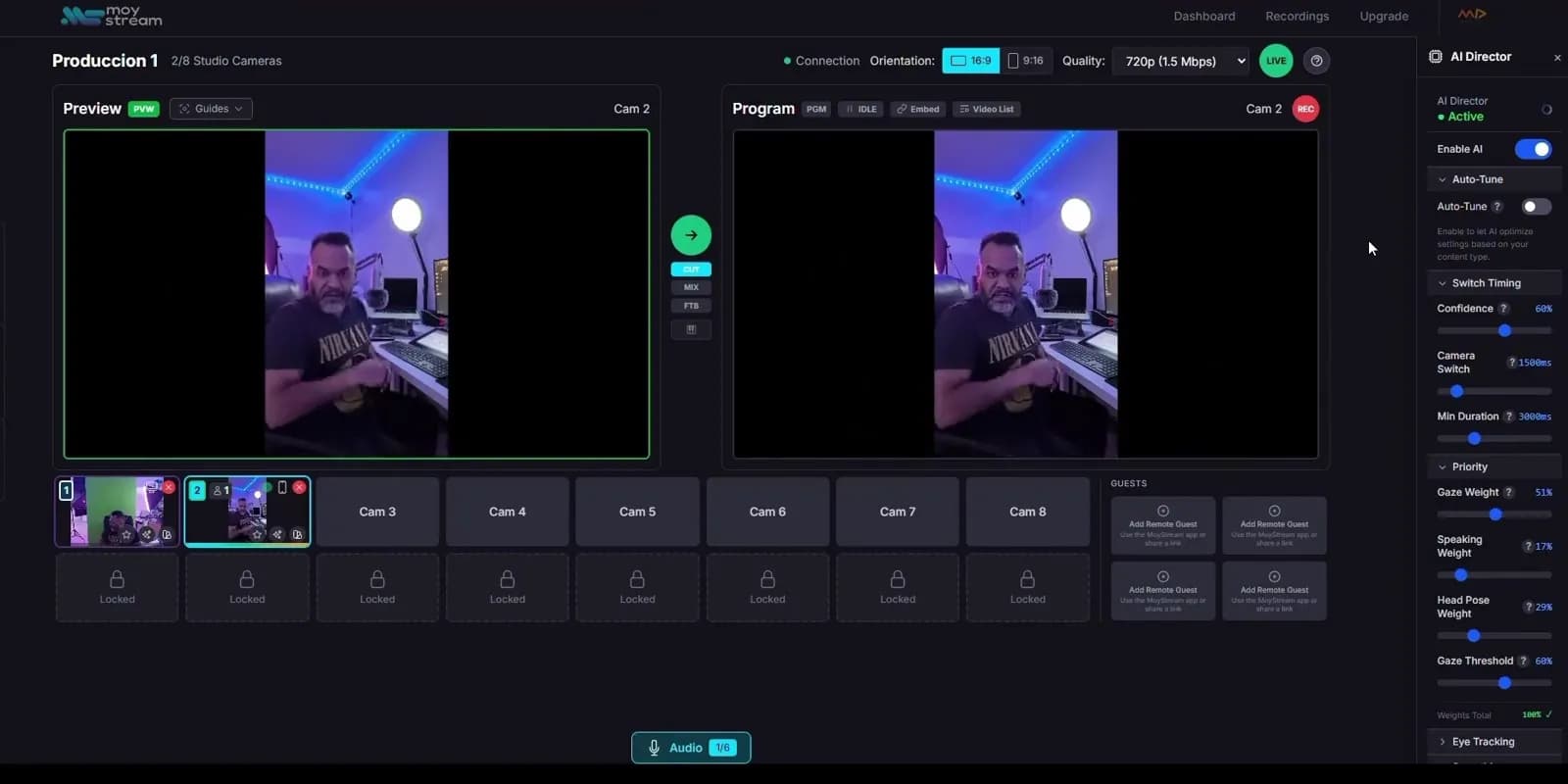
Real chroma key
Green or blue screen, keyed live with similarity, smoothness and spill controls. Your talent appears inside the set, not pasted on top.
Key your camera and place it inside a real 3D set, lit by real lights, with a camera that moves around you. A full virtual studio for live streaming, with no software to install and no studio hardware.
From wireframe to broadcast
Every set is real geometry rendered live on your GPU, with WebGPU and a WebGL fallback. Drag the handle to see the same studio as wires and as the image your viewers get.
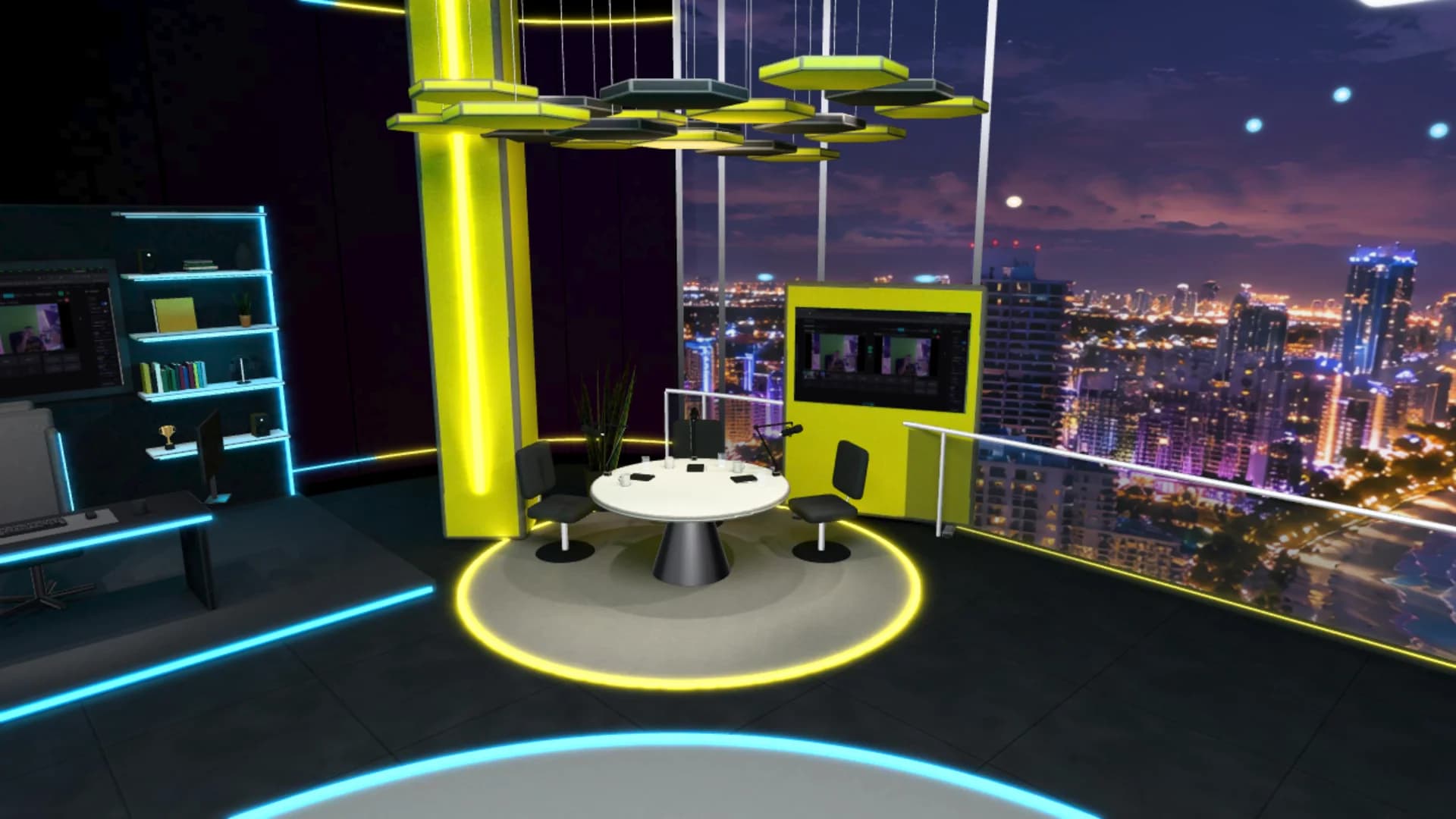
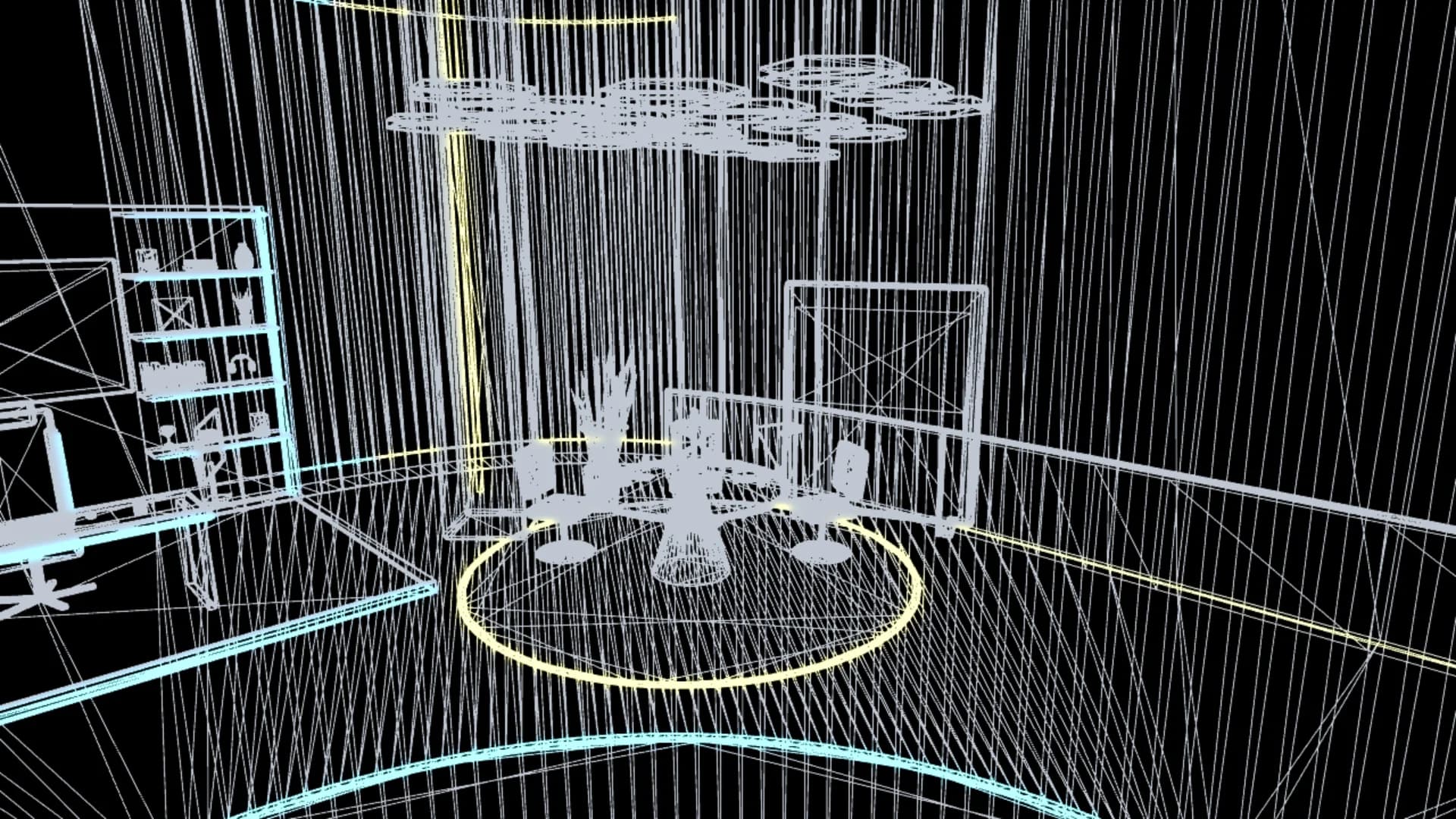 WireframeBroadcast
The same tools broadcast virtual studios use, built into MoyStream and running in a browser tab.
Green or blue screen, keyed live with similarity, smoothness and spill controls. Your talent appears inside the set, not pasted on top.
Ambient, directional, point, spot and soft area lights, with color, intensity and real-time shadows on High and Ultra quality.
Each talent has its own virtual camera. Frame it, orbit it, or let AI auto-tracking keep you in frame as you move.
Import any GLB from Blender or another 3D tool, with its lights, baked lighting and material variants. A ready-made studio is included.
Place talents, lights and models precisely with axis views and a wireframe mode that only the editor sees.
The 3D scene becomes a source in your Studio: send it to Preview and Program, record it or stream it to every platform at once.
How it works
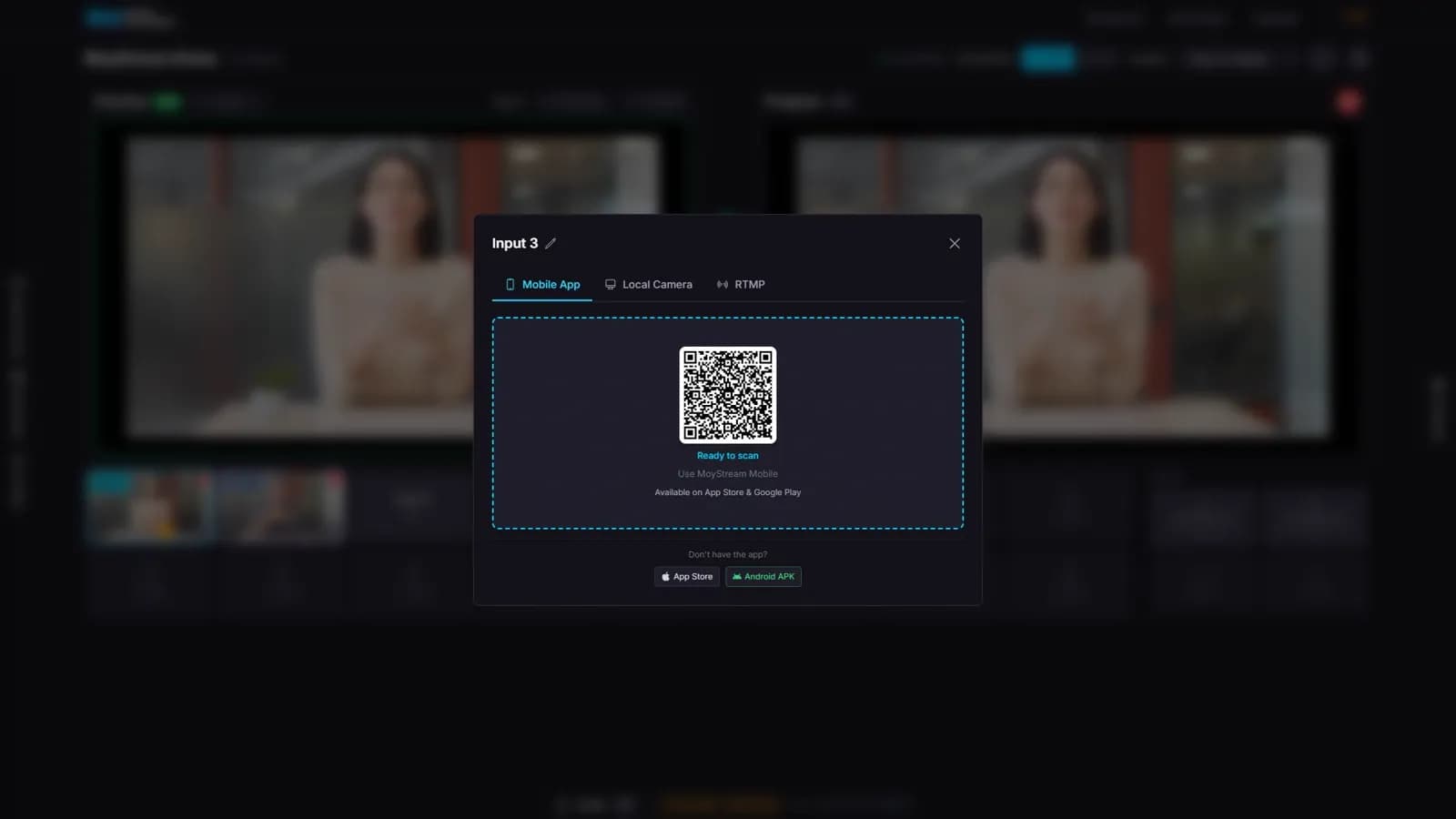
A webcam, your phone or a capture card. Put a green or blue screen behind you and turn on the key.
Open 3D Mode: your camera appears in a ready-made studio. Place it, light it and frame its camera.
Send the scene to Program and stream it to YouTube, Twitch, Facebook and more, all at the same time.
Traditional virtual production means dedicated software, a workstation and camera tracking hardware. MoyStream brings the core of it to the browser.
| Traditional virtual production | MoyStream 3D Studio | |
|---|---|---|
| Setup | Dedicated software installed on a workstation | A browser tab |
| Rendering | A powerful local GPU workstation | Your own GPU through WebGPU, with WebGL fallback |
| Camera movement | Physical camera tracking hardware | A virtual camera per talent, with AI auto-tracking |
| Sets | Built in a game engine | GLB from Blender or any 3D tool, plus a ready-made studio |
| Output | A separate switcher and encoder | Built into your Studio: record and multistream |
No. The 3D Studio runs in your browser. It uses WebGPU where available and falls back to WebGL automatically.
For your camera to appear inside the set, yes: the Studio keys green or blue backgrounds live.
Yes. Upload any GLB model. Our guide shows how to export it from Blender with lights and baked lighting.
Anywhere MoyStream streams: YouTube, Twitch, Facebook, Instagram, TikTok, LinkedIn and X, at the same time.
Every new 3D scene starts with a ready-made set. Bring your camera and go live.
Start free