
No cables
Wi-Fi or mobile data. Put the phone on a tripod anywhere in the room, or across town.
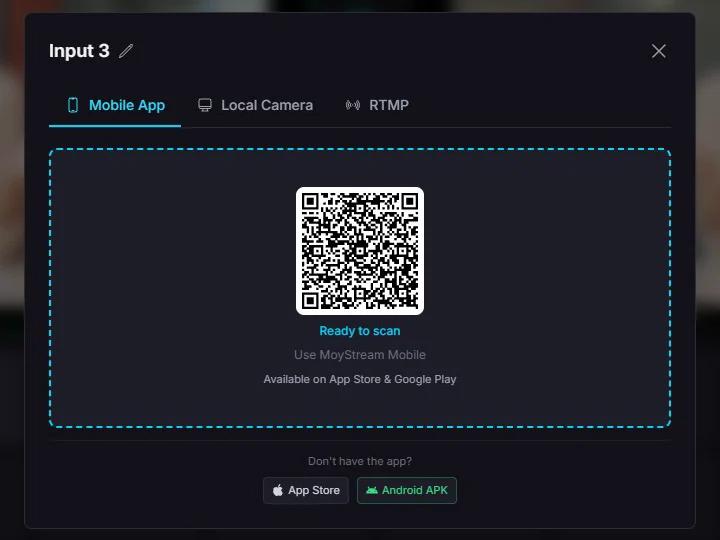
Scan a QR code with MoyStream Mobile and your phone joins your Studio as a wireless 1080p camera. No cables, no capture card, no drivers.
How it connects
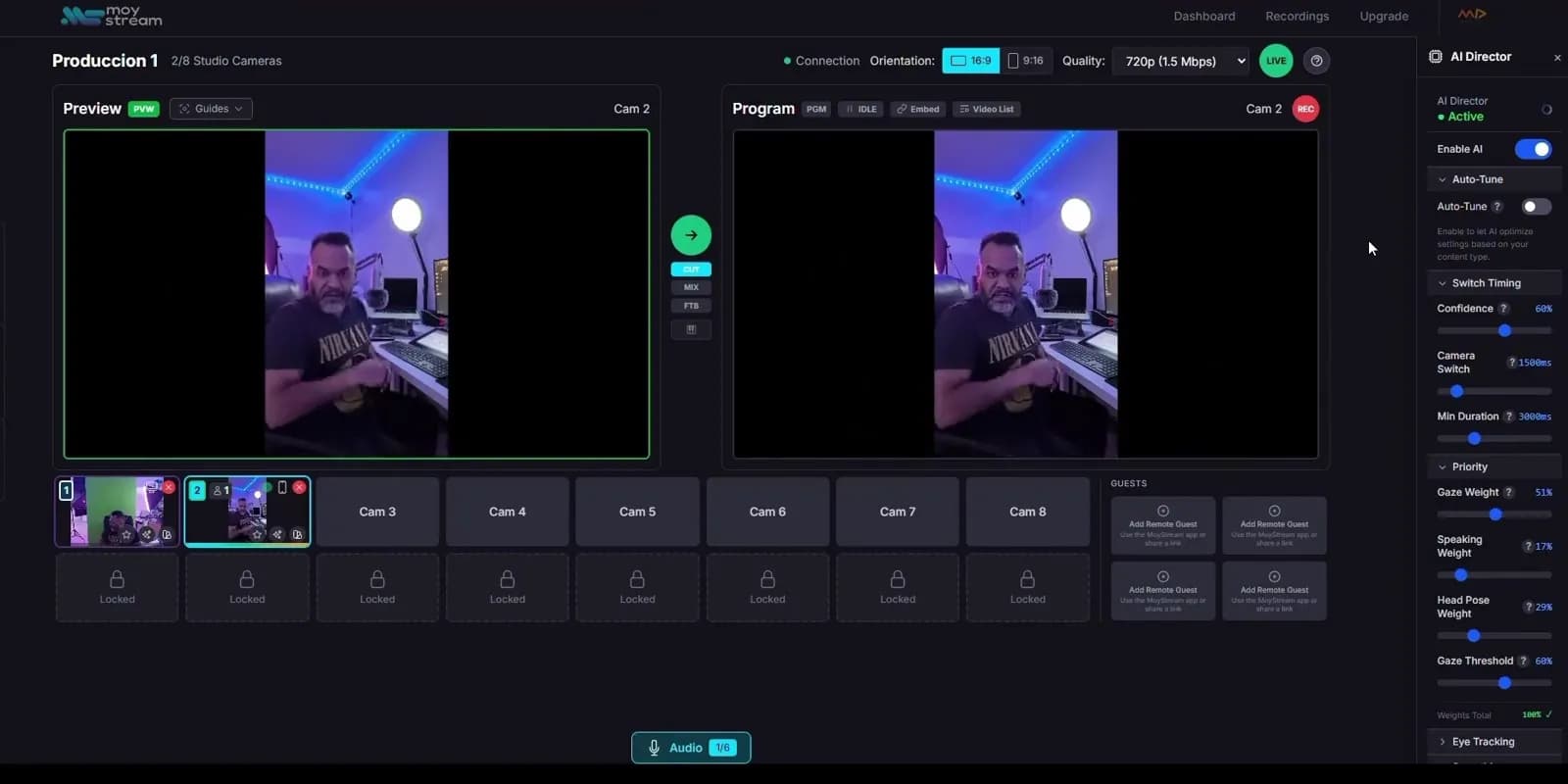
Every input slot in your Studio can take a phone. Open the slot, scan its QR code with the app, and the phone shows up in your grid, ready for Preview and Program.
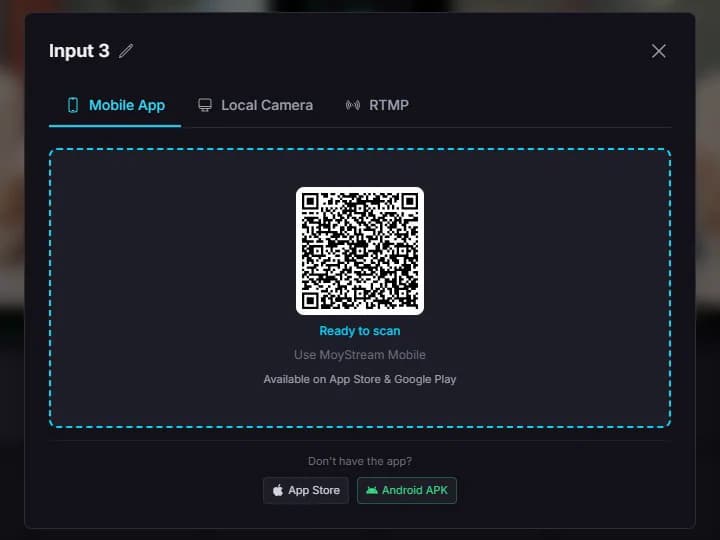
Click any free input in your Studio and choose Mobile App. It shows a QR code that works once.
Point MoyStream Mobile at the code. The phone connects over Wi-Fi or mobile data, and the slot turns green in your Studio.
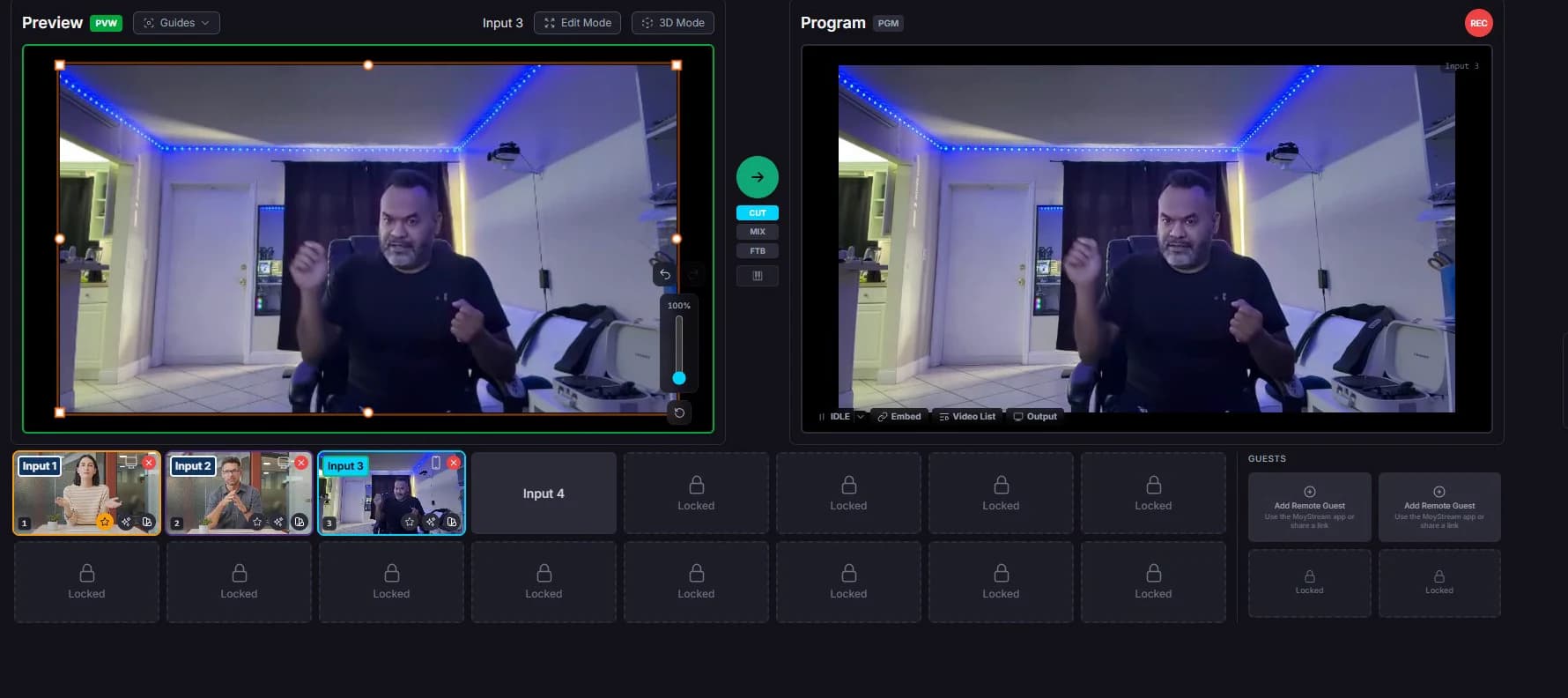
Your phone is now an input like any other. Send it to Preview, cut it to Program and go live.
In the app
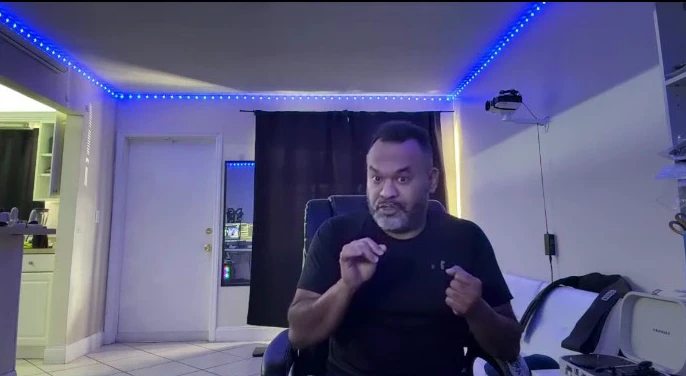
The phone does what a studio camera does. Frame and adjust it from the phone while the Studio mixes it with everything else.
A phone input is a full Studio input: everything else in MoyStream works with it.
Wi-Fi or mobile data. Put the phone on a tripod anywhere in the room, or across town.
The app sends 1080p when the phone and the connection allow it, and never less than 720p.
Each code is single-use and expires, so nobody can reuse it to join your show.
The same app joins as one of your inputs or as a remote guest. It detects the role from the code.
Every input on your plan can be a phone, from one on Free up to sixteen on Pro.
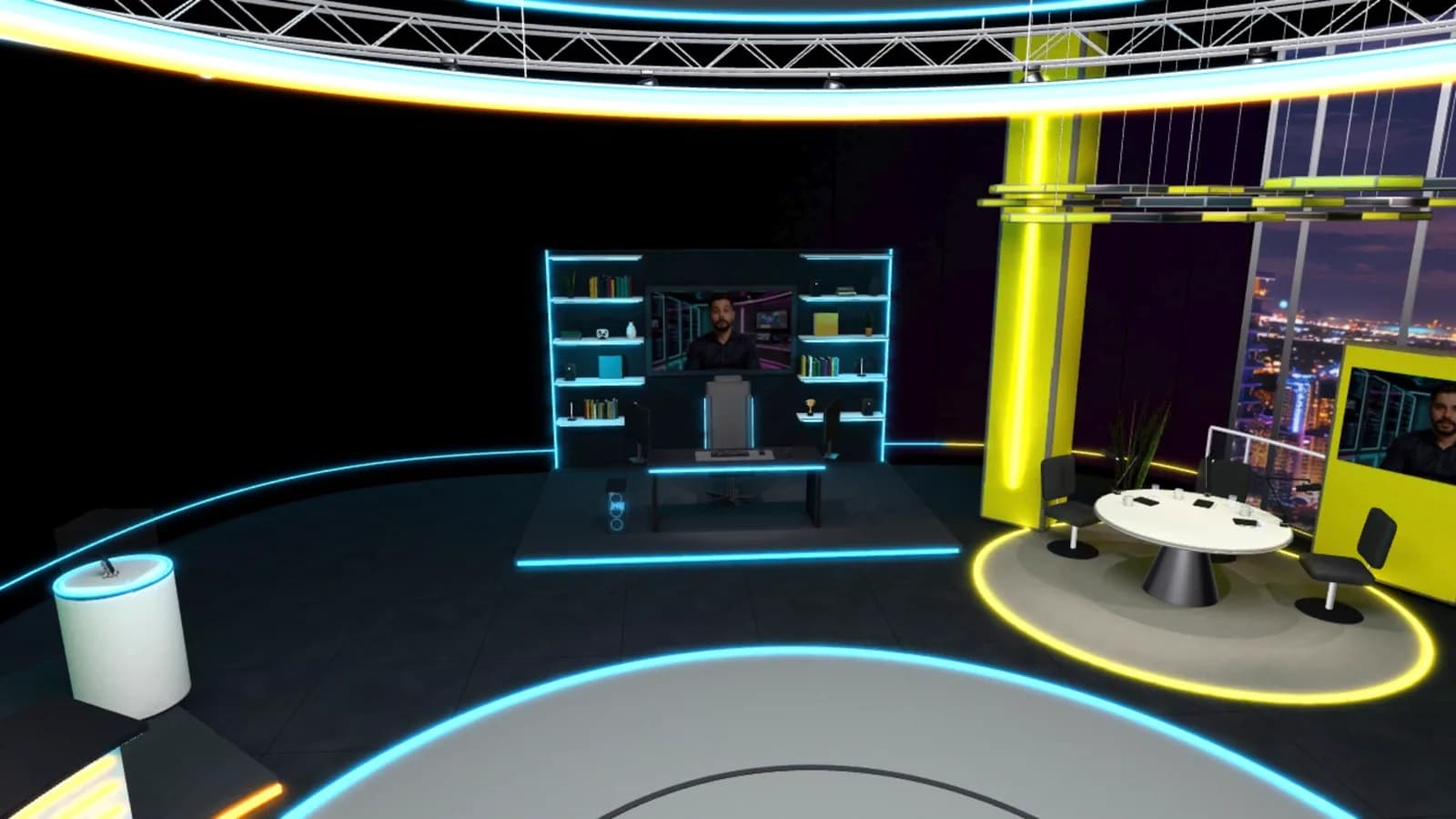
Chroma key it, let the AI Director cut to it, or put it inside a 3D set.
Yes, MoyStream Mobile. It is on the App Store for iPhone, and Android is in early access as a direct download.
Yes. It connects over Wi-Fi or mobile data; a strong, stable connection gives the best picture.
Up to 1080p at 30 frames per second, and at least 720p.
One per input on your plan: one on Free, and up to sixteen on Pro.
Yes. Send them a guest invitation; the same app joins them as a remote guest instead of a camera.
Each code works once and expires. Still, keep it off your live output while you connect.
Open an input, scan the code and you are live in seconds.
Start free